

July 5, 2026
Lab Coding Blok — Basic Logic Lab.
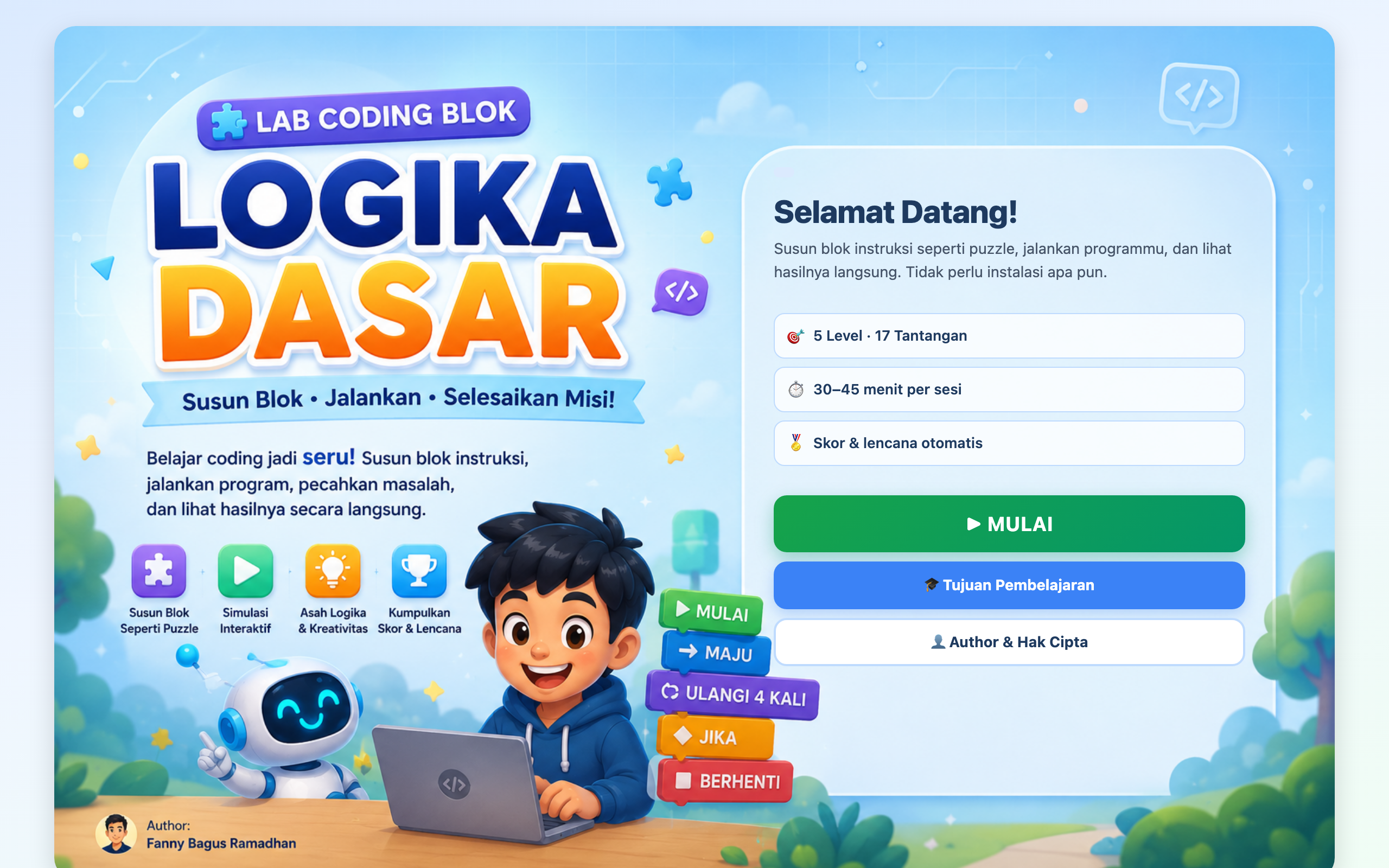
Frontend · GameA visual block-coding lab where learners snap Move, Loop, and If blocks together to run animated programs and build computational thinking.
Description
Lab Coding Blok (Basic Logic Lab) is a visual block-coding environment where learners snap picture-based instruction blocks together like a puzzle, including Move, Turn, Repeat N, Repeat Forever, If-Then, If-Else, Variable, Print, and Stop, then run an animation to watch their program play out. Challenges range from guiding a robot past obstacles to auto-harvesting a garden and programming a traffic light.
Background
This “One Day One Code ” build was made as a learning tool for junior-high-level equivalence education (Paket B, Fase D), aimed at building computational thinking before learners touch text-based syntax. A block-based approach removes the barrier of typing and lets students focus on the logic of sequencing, loops, and conditionals.
Goal
The goal was to teach core programming logic (sequence, iteration, and branching) through a friendly drag-and-drop interface, with progressive challenges and immediate visual feedback, all in a static site that runs anywhere without installation.
Features
- 5 levels spanning 17 challenges of increasing difficulty.
- Drag and drop blocks into the program area, including nested blocks placed inside loops and conditionals.
- Real-time simulation that animates the assembled program, with errors treated as “try again” rather than a penalty.
- Automatic scoring with achievement badges.
- A reflection journal saved to
localStorage. - Mobile-friendly design with tabbed Blocks / Program / Simulation panels and a tap-to-pick, tap-to-place interaction replacing drag-and-drop on touch screens.
Technologies
- Vanilla JavaScript split across
app.js,engine.js, andlevels.jsfor the UI, the execution engine, and level definitions. - HTML5 Drag and Drop API on desktop, with tap-to-place on mobile.
- HTML5 and CSS3 for the interface, and localStorage for progress and reflections.
How to Run
Clone the shared one-day-one-code repository and open the project’s folder, then open index.html directly in a browser, since it is fully static with no server or install required. You can optionally serve it with a static server such as python3 -m http.server 8000. A live version is available at the demo link.
Technical Decisions
The simulation engine, the level data, and the UI logic are separated into distinct files so challenges can be added or tuned without touching the runtime. Because the target audience includes touch devices, the desktop drag-and-drop was paired with a tap-to-pick, tap-to-place fallback and tabbed panels, and errors were designed to be non-punishing so learners feel free to experiment.
What I Learned
I learned how to build a nestable block-programming model and an engine that executes and animates it, how to design forgiving educational UX for young learners, and how to make drag-and-drop interactions work equally well on desktop and touch screens.
Notes
This is part of the shared one-day-one-code repository and is an educational daily build made for equivalence education. The project folder also includes a teaching module (Modul Ajar) and a preview image.

Hey! I’m Fanny, the software engineer tending to this digital garden. You can read more about me, or subscribe by email.