

January 16, 2026
WHMCS Custom Modules & Hooks.
Backend · FrontendDevelopment of custom modules, hooks, and addons for the WHMCS platform to meet hosting business operational needs.
Description
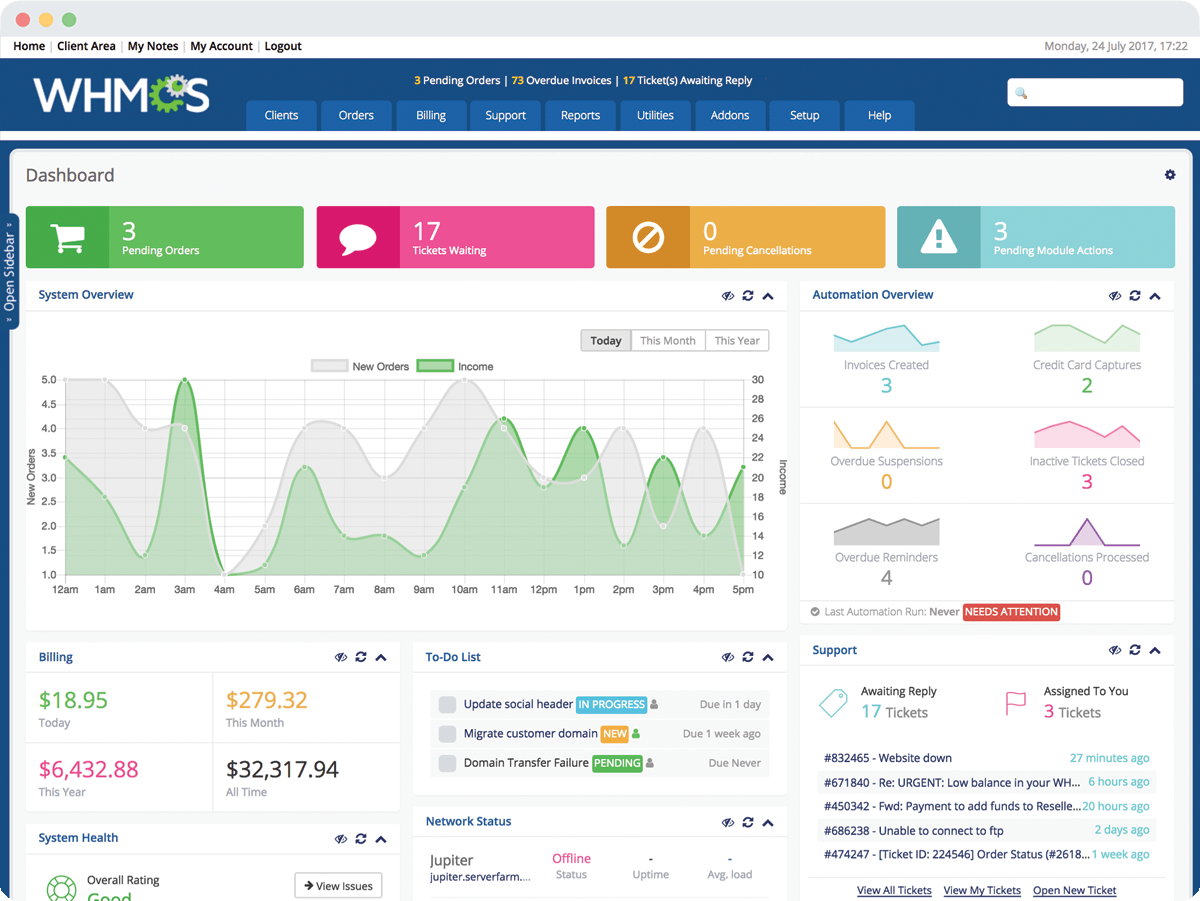
WHMCS Custom Modules & Hooks is a collection of custom development solutions that extend the WHMCS platform for hosting and digital service businesses. It focuses on automating hosting workflows, integrating third-party services, and improving both the client and administrator experience.
The work spans custom provisioning modules, payment gateway integrations, automation hooks, client area enhancements, API integrations, and admin utilities. Everything is designed to be modular, scalable, and easy to maintain.
Background
Out of the box, WHMCS handles standard billing and provisioning, but real hosting operations need behavior it doesn’t ship with: bespoke provisioning logic, integrations with in-house tools, and automation around suspension, invoicing, and notifications. These modules and hooks were built to close those gaps without forking the core.
Goal
- Automate repetitive hosting operations (provisioning, suspension, billing).
- Integrate WHMCS with third-party services and internal APIs.
- Enhance the client area and admin panel with tailored features.
Features
- Custom WHMCS provisioning modules and hook development
- API integrations with third-party services
- Automated service provisioning, suspension, and termination
- Custom client area pages and admin panel customization
- Payment gateway integrations
- Domain management and invoice/billing automation
- Cron job automation
- Email notification customization
- Order form enhancements
- Custom addon modules and multi-server integration
- Responsive UI components using Vue.js
Technologies
- PHP: language for WHMCS modules, hooks, and addons.
- WHMCS API: interface for provisioning, billing, and client actions.
- JavaScript: client-side behavior in the client area and admin pages.
- Vue.js: reactive UI components for custom pages and admin utilities.
How to Run
# Place module/hook files into the WHMCS installation:
#   modules/servers/<module>/      custom provisioning modules
#   modules/addons/<addon>/        custom addon modules
#   includes/hooks/<hook>.php       automation hooks
# Build front-end assets for Vue.js components:
npm install
npm run build
# Activate addons/modules from the WHMCS admin area and configure credentials/API keys.
Technical Decisions
- Followed WHMCS’s module and hook conventions so upgrades don’t overwrite custom work.
- Used the WHMCS API rather than direct DB writes to keep provisioning safe and forward-compatible.
- Chose Vue.js for interactive client-area components to avoid full page reloads while staying embeddable in WHMCS templates.
What I Learned
- The WHMCS module, addon, and hook lifecycle and its API surface.
- Automating billing/provisioning events through hooks and cron.
- Embedding modern Vue.js components inside a legacy PHP platform.
Notes
Ongoing collection extended as new hosting needs arise. Care is taken to keep everything upgrade-safe and independent of core WHMCS files.

Hey! I’m Fanny, the software engineer tending to this digital garden. You can read more about me, or subscribe by email.