
December 1, 2023
Zuma Bot.
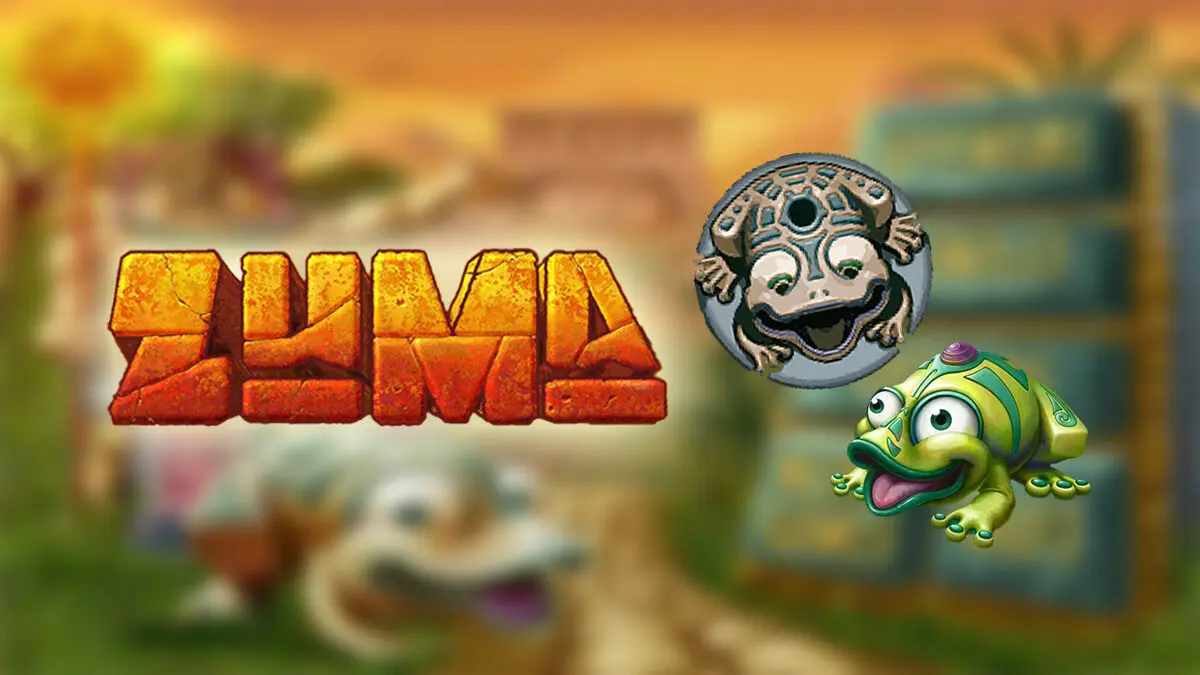
Automation · GameAn automation bot for the Zuma game built with C#, designed to simplify gameplay interaction and automate repetitive actions.
Description
Zuma Bot is an automation tool for the Zuma game, built with C#. It simplifies gameplay by automating repetitive in-game actions and assisting the user with faster, more efficient controls.
The bot uses image detection and automated input handling to read the game state and act on it. As a lightweight desktop application, it demonstrates automation logic, desktop interaction handling, and game control scripting.
Background
Zuma involves fast, repetitive aiming and shooting that gets tedious over long sessions. This project was a chance to explore desktop automation and computer-vision basics by having a program watch the screen and respond to what it sees, rather than relying on a game API.
Goal
- Automate repetitive Zuma gameplay actions.
- Detect in-game objects visually and respond quickly.
- Package it as a simple, configurable desktop app.
Features
- Automated gameplay interaction and ball movement
- Image-based object detection
- Lightweight desktop application
- Customizable configuration settings
- Fast response automation
- Simple UI for bot control
- Easy to configure and run
Technologies
- C#: primary language for the bot logic and desktop UI (WinForms).
- Image detection: template/pixel matching against the game screen.
- Simulated input handling: automated mouse/keyboard control to interact with the game.
How to Run
1. Open the solution in Visual Studio.
2. Build the project (restore any NuGet packages if prompted).
3. Configure paths in MainForm.cs:
   - set the correct game directory path
   - adjust the Zuma executable/game name
   - ensure required image assets are in the correct folder
4. Place the required image file:
   Zumadir/image/_ballalpha.gif  -->  Zumadir/levels/triangle/
5. Run the application and start the game.
Technical Decisions
- Used image detection instead of memory reading, since the game exposes no API and screen matching is safer and simpler to reason about.
- Built on WinForms for a minimal, quick-to-ship desktop control panel.
- Kept paths and target names configurable in MainForm.cs so the bot adapts to different installs.
What I Learned
- Basics of screen capture and image/template matching for detection.
- Simulating mouse and keyboard input to drive an external application.
- Structuring a small C# desktop app with a configurable UI.
Notes
A hobby/learning automation project. Detection depends on screen resolution and the correct image assets being placed as noted above. Repository: https://github.com/FannyDevz/Zuma-Bot

Hey! I’m Fanny, the software engineer tending to this digital garden. You can read more about me, or subscribe by email.